
Scenes
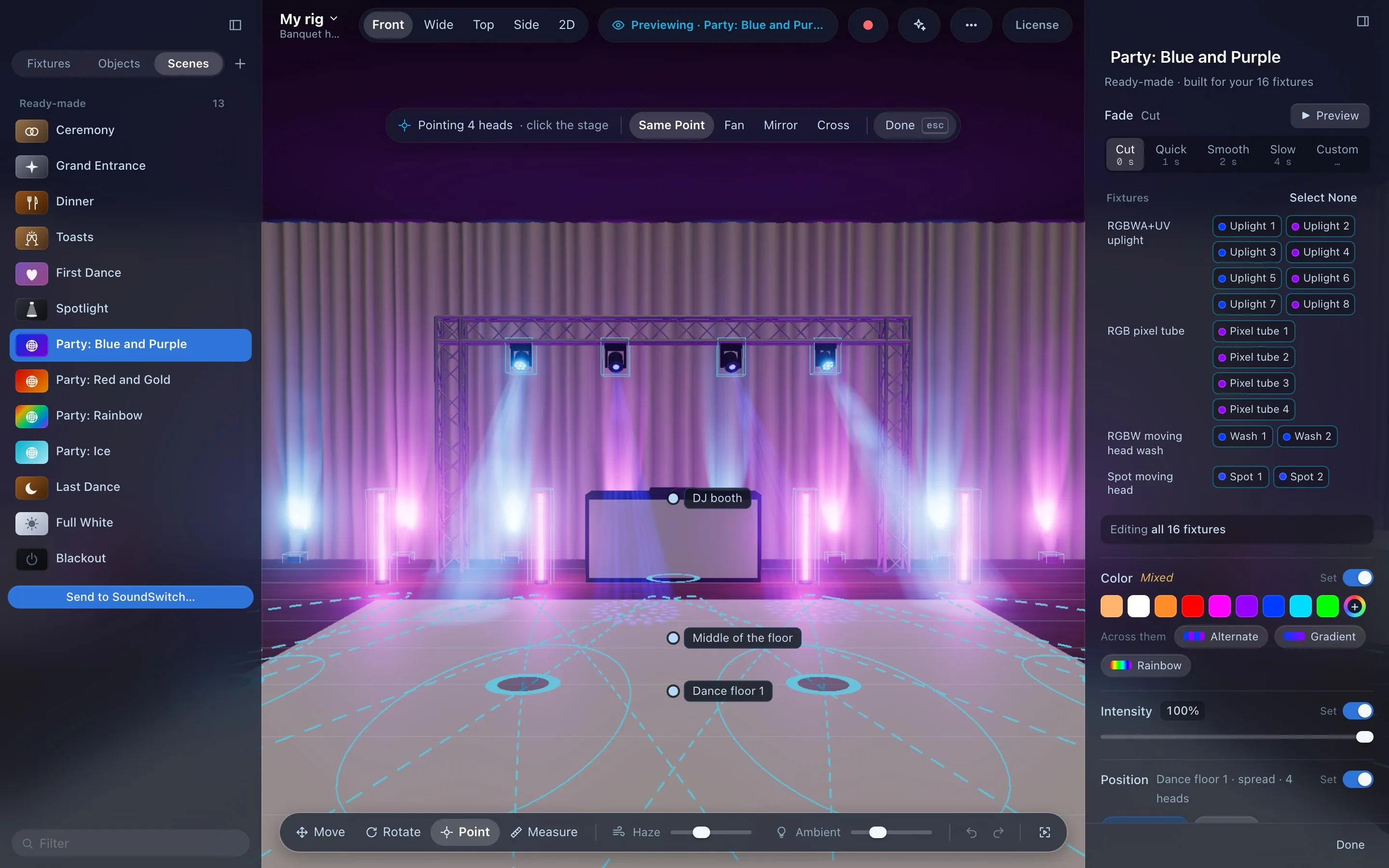
Ready-made Static Looks for SoundSwitch.
Ceremony, First Dance, Party, Last Dance: built for your lights. Point the heads on the stage, pick the colors, and send them to SoundSwitch.
- Prevya Pro
3D lighting visualizer for SoundSwitch
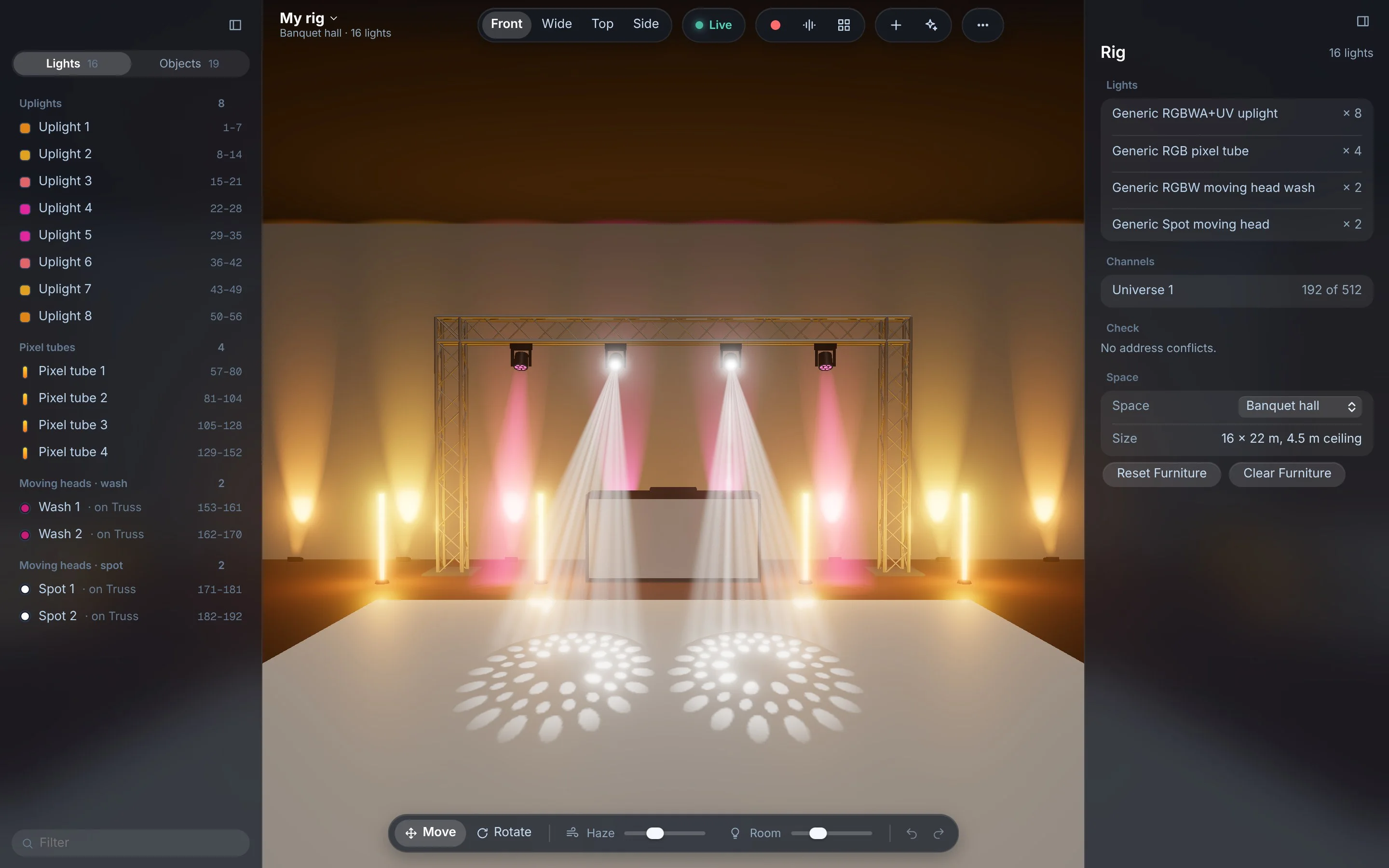
Prevya connects to SoundSwitch or any Art‑Net software and draws every light, beam and gobo in 3D, live.
The editor
Uplights, pixel tubes, moving heads and washes on a truss, totems or the floor, every DMX channel moving as SoundSwitch plays.
Menu bar
Close the editor and Prevya stays in the menu bar. Click its icon for the mini stage, or pin it to float over SoundSwitch while you play.
Scenes
Ceremony, First Dance, Party, Last Dance: built for your lights. Point the heads on the stage, pick the colors, and send them to SoundSwitch.
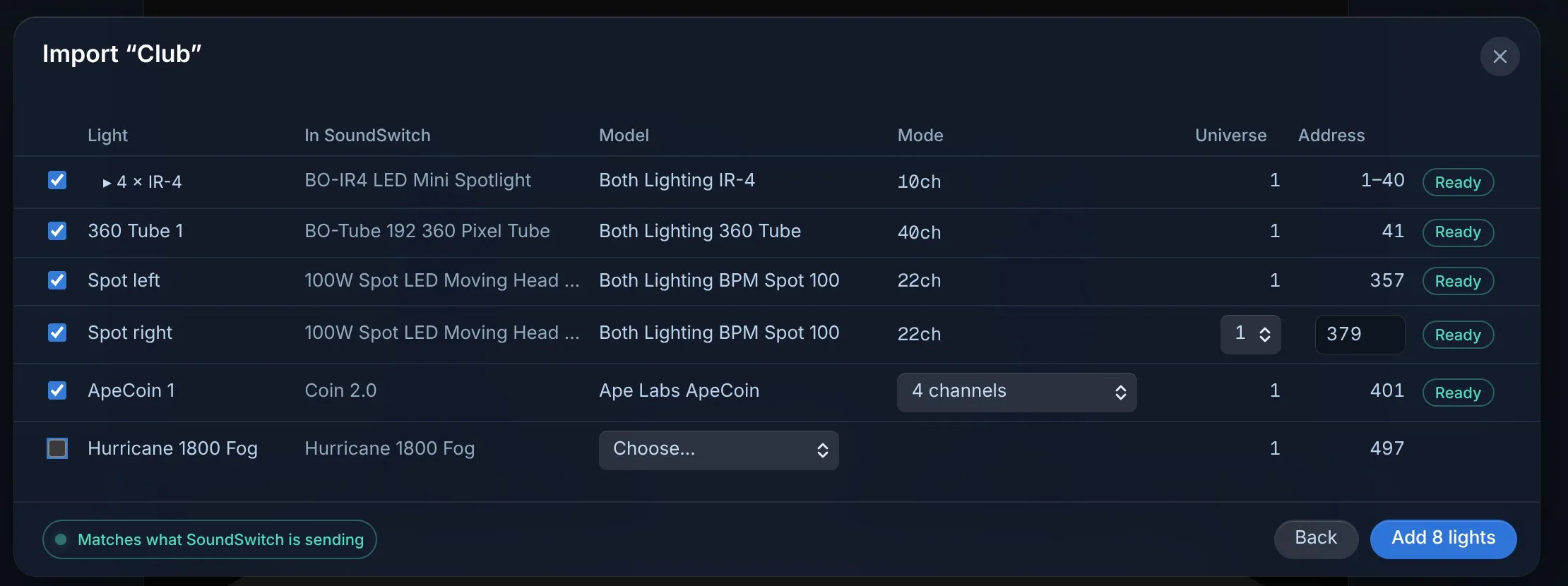
Import from SoundSwitch
Pick a venue from your SoundSwitch project. Prevya brings in every light with its model, mode and address, and checks them against what SoundSwitch is sending.
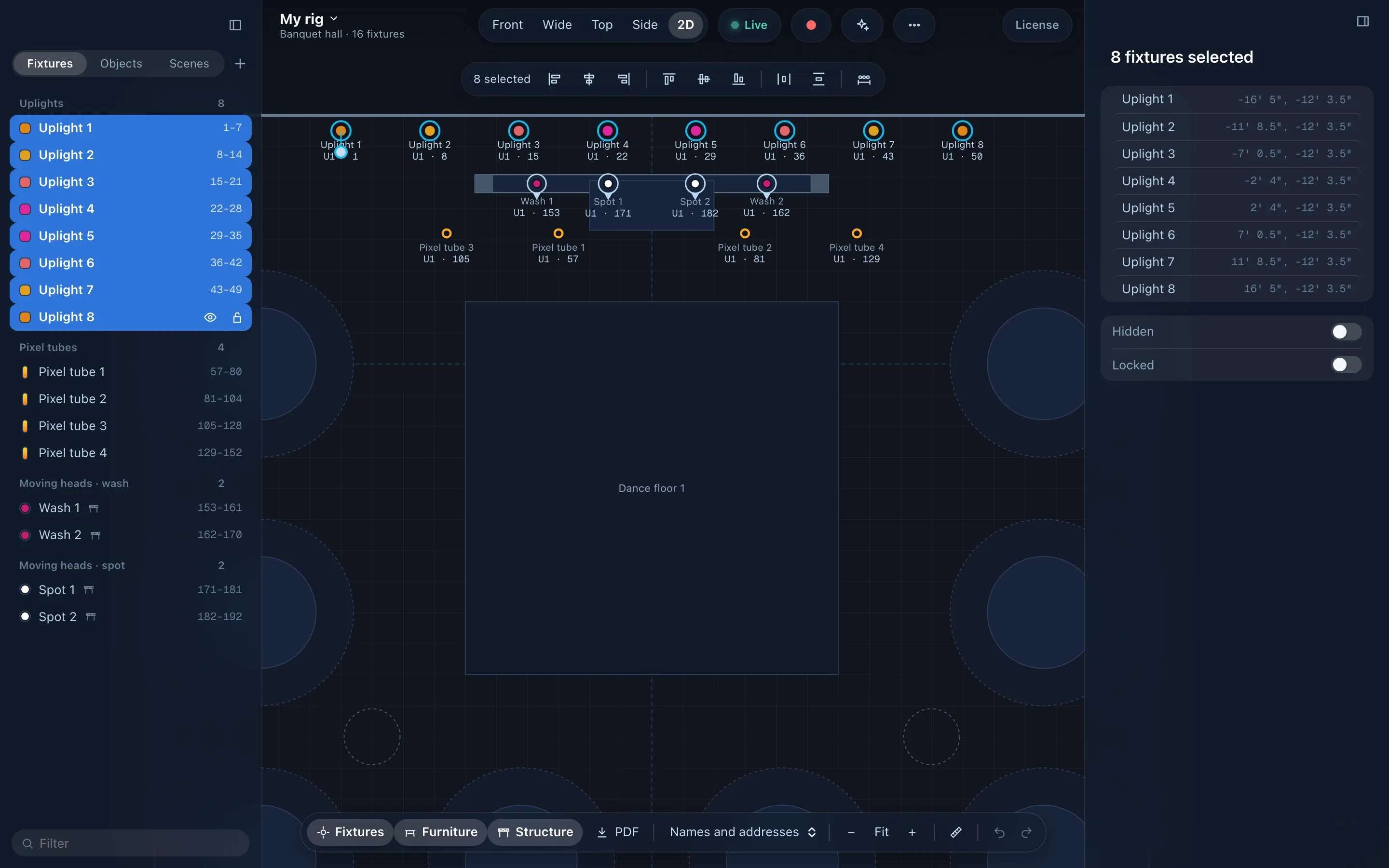
Floor plan
See the stage from above and drag each fixture where it goes. Space a row evenly, or set it along a wall or around the dance floor in one move, and Measure checks the distances. With Pro, print the plan as a PDF.
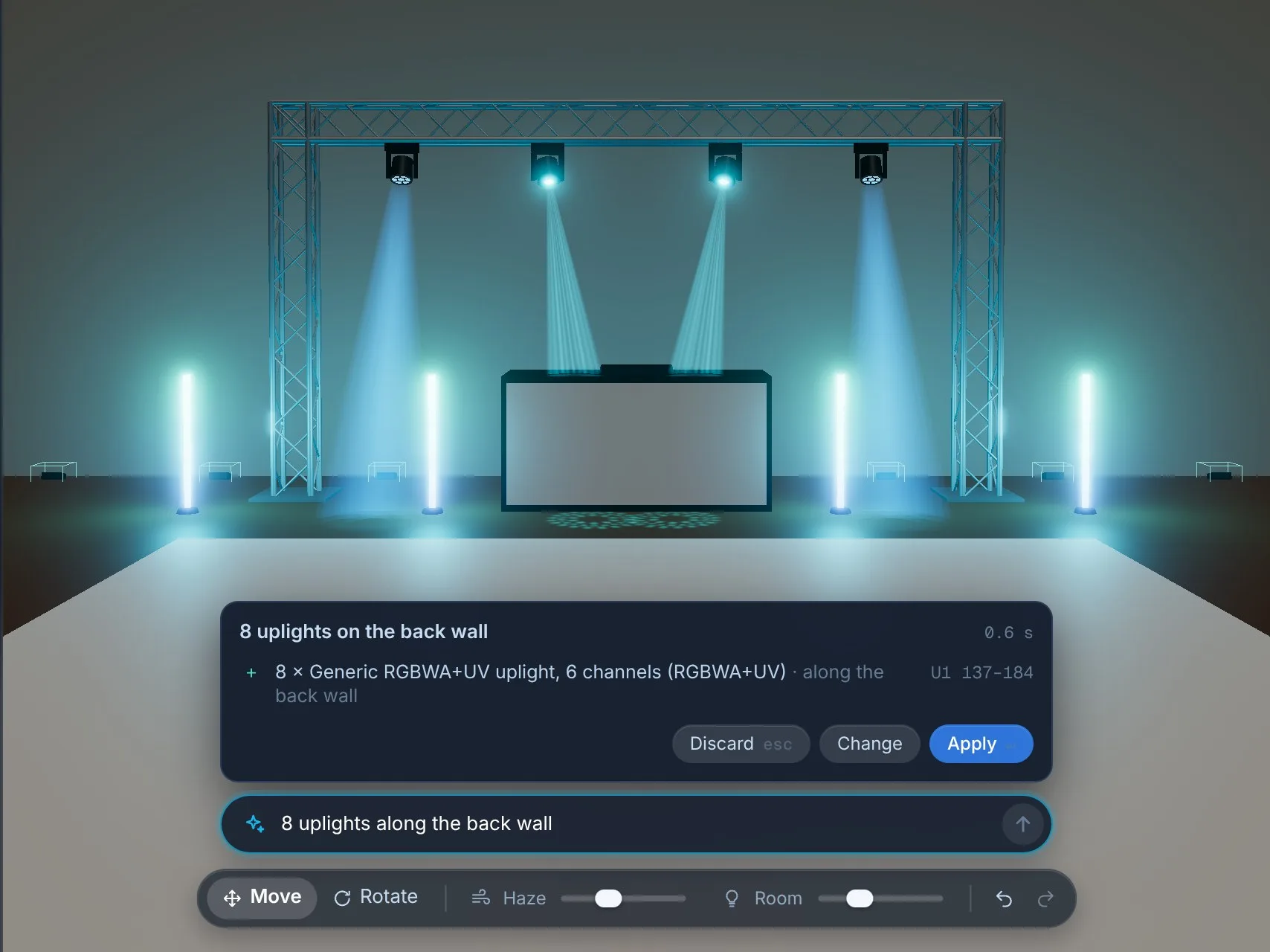
Describe
Say where the lights go and Prevya puts them there. Check the plan, then apply.
Fixture library
Chauvet, American DJ, Martin, Cameo and hundreds more: pixel tubes cell by cell, gobos and prisms as the manual draws them. Your own, when you need one.
